



Installera Steam
logga in
|
språk
简体中文 (förenklad kinesiska)
繁體中文 (traditionell kinesiska)
日本語 (japanska)
한국어 (koreanska)
ไทย (thailändska)
Bahasa Indonesia (indonesiska)
Bahasa Melayu (malaysiska) BETA
Български (bulgariska)
Čeština (tjeckiska)
Dansk (danska)
Deutsch (tyska)
English (engelska)
Español – España (spanska – Spanien)
Español – Latinoamérica (spanska – Latinamerika)
Ελληνικά (grekiska)
Français (franska)
Italiano (italienska)
Magyar (ungerska)
Nederlands (nederländska)
Norsk (norska)
Polski (polska)
Português (portugisiska – Portugal)
Português – Brasil (portugisiska – Brasilien)
Română (rumänska)
Русский (ryska)
Suomi (finska)
Türkçe (turkiska)
Tiếng Việt (vietnamesiska)
Українська (ukrainska)
Rapportera problem med översättningen

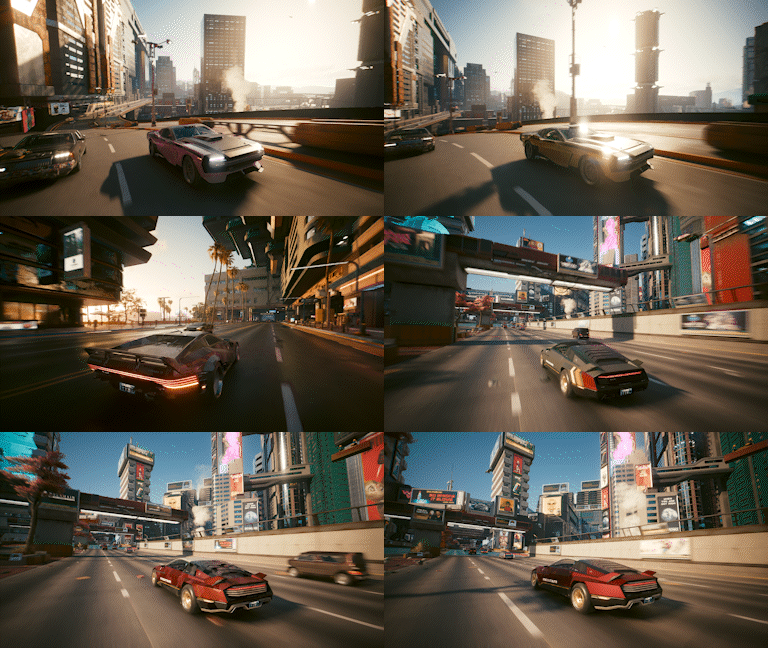 All vehicles compatible with CrystalCoat™ and TWINTONE™ are marked with a spray can icon on Autofixer.
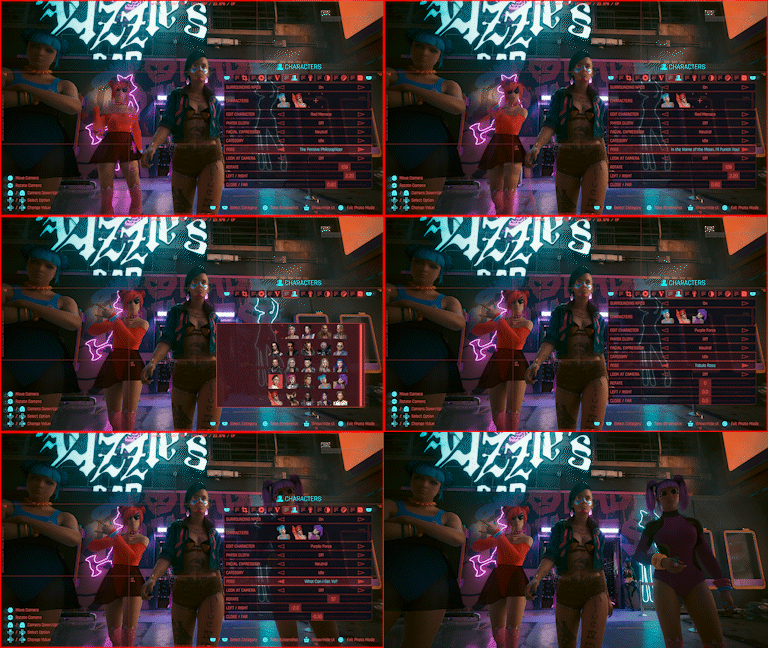
  We've overhauled Photo Mode and added multiple community-requested features:
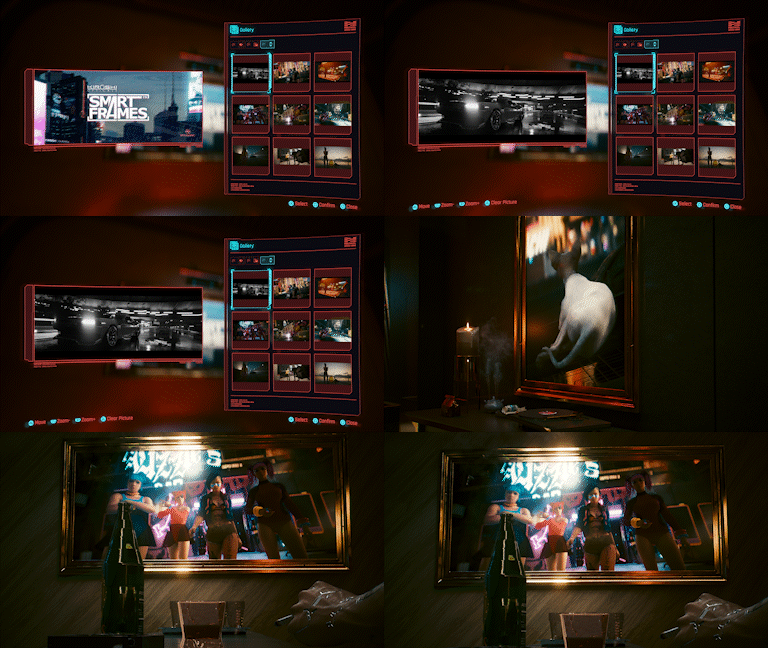
 SmartFrames™ by Kiroshi allows you to display your Photo Mode shots in-game by interacting with the picture frames in V's apartments. Browse your photo collection in the new Gallery menu tab located alongside Journal, Shards and Tarot. The Gallery pulls .png images from the screenshots folder on your PC or from your console gallery. For more details on SmartFrames™ and the Gallery, see this Support article.
 Added more character customization options:
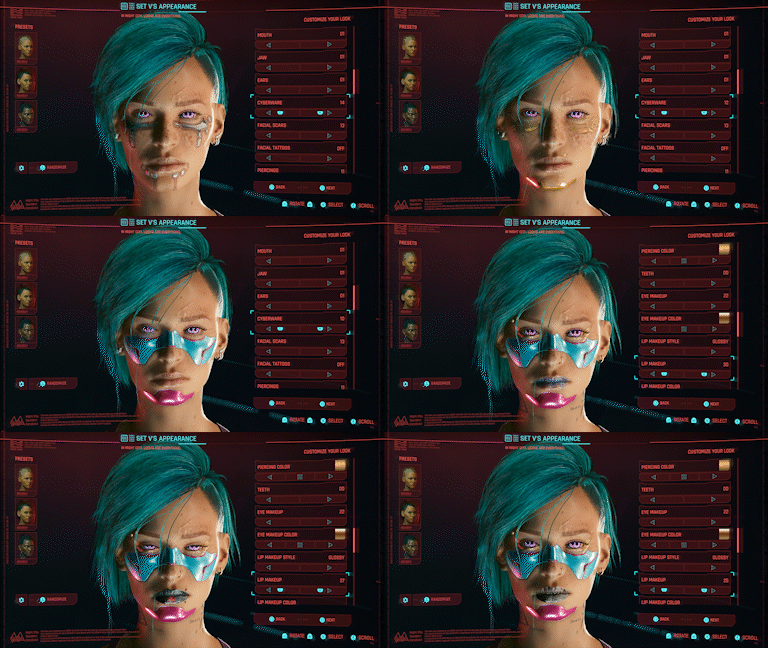 Upgraded the Character Creator randomizer to feature a new Plain-to-Punk slider. Whether you're aiming for an understated, casual look or a bold, edgy style for your V, you can now use the slider to strike the perfect balance.
 Läser in

